

Chunkful
Serverinformationen
| IP/Port | mc.chunkful.net |
| Version | 1.21.11 |
| Status | Online |
| Eingetragen seit | 22. Feb 2026 |
| Freigeschaltet am | 23. Feb 2026 |
| Mindestalter | 16 Jahre |
| Spieler | 0/30 |
| Besitzer | Chunkful |
| Website | www.chunkful.net |
| Discord | https://cnkf.link/discord |
Galerie
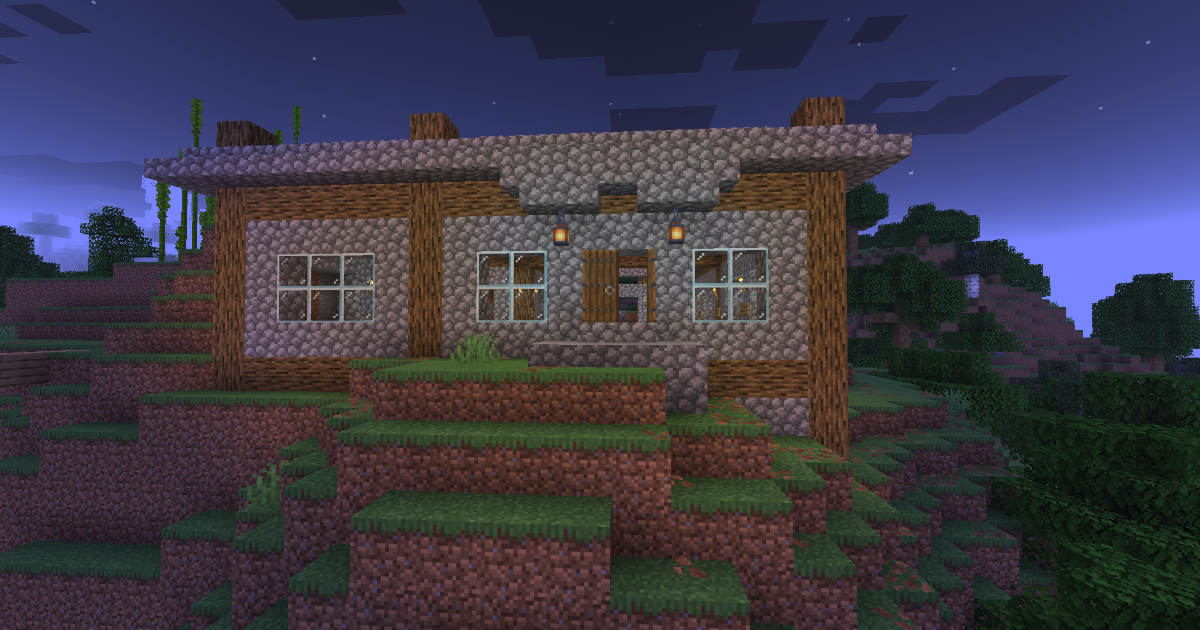
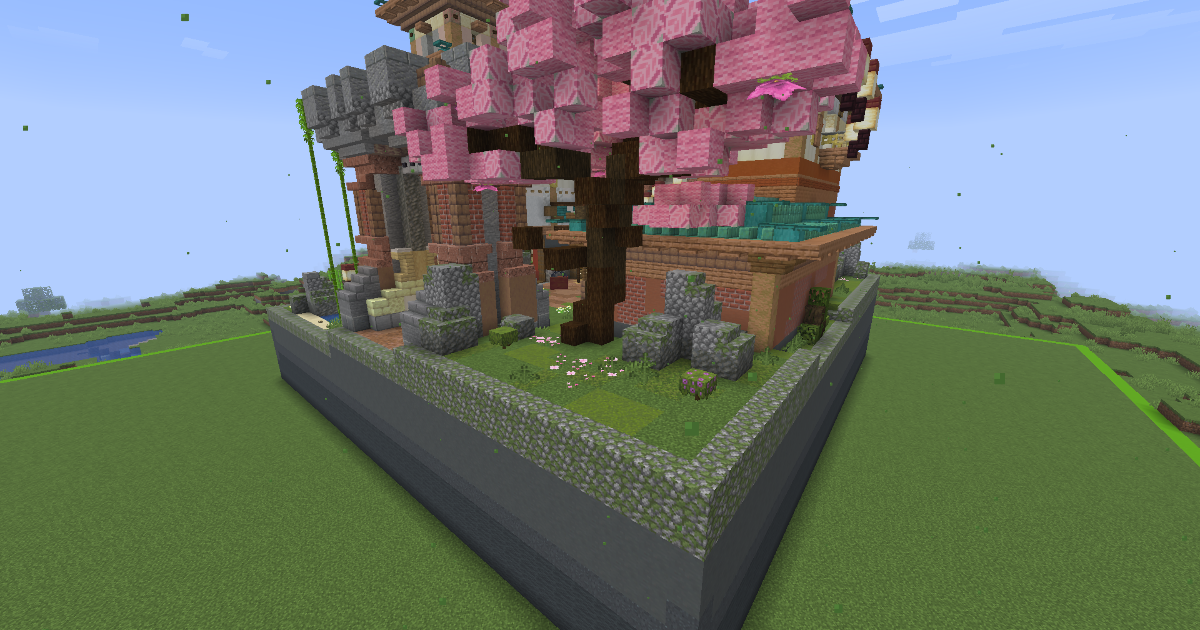
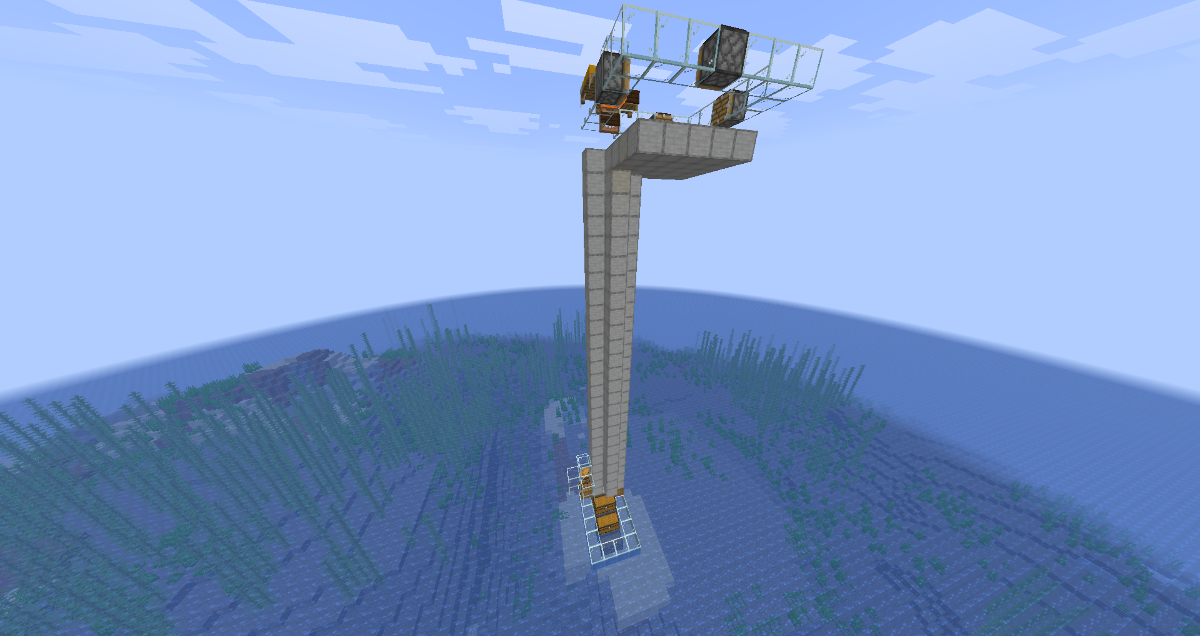
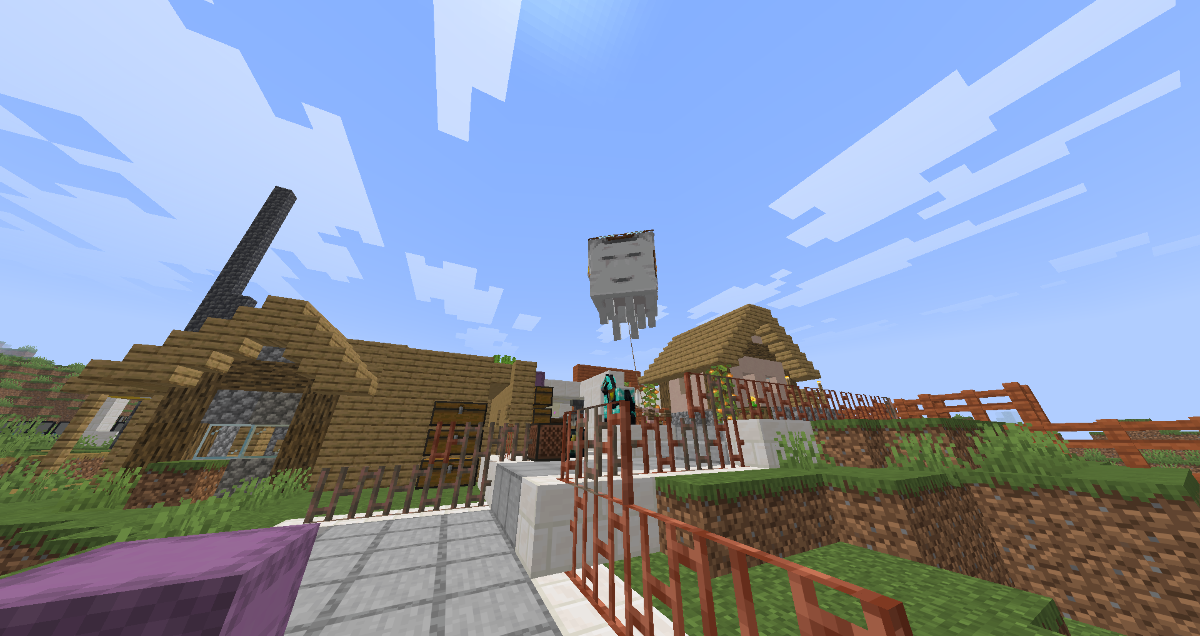
At its core, Chunkful is a simple survival server. There are a few mechanics and features that have been added that make the server more enjoyable, which are explained below, but most of these features have already previously been implemented on other servers. Our goal is not to innovate but to be stable and reliable.
As part of its core philosophy, Chunkful is feature-complete and does not intend to add any new features. We instead strive to build the best possible implementation of the features we already have. The existing feature set has been taken from a previous successful Minecraft server project called ClassicSurvival.
Chunkful is operated by the former administrators of ClassicSurvival and serves as an unofficial continuation project.
Voting
Voting is a mechanic that allows players to show their support for Chunkful by voting for it on various server listing websites. By voting, you can help us increase our visibility on these websites and reach more players. As a reward, you will receive voting points. Using these points, you can buy perks from the voting shop.
If you'd like to vote, visit the vote page.
You can see your vote point balance by using the [code]/votepoints[/code] command.
To use the voting shop, use the [code]/voteshop[/code] command.
Spawn
Spawn is the protected area around the world center. The spawn area is made up
of three separate areas that offer different levels of protection.
Spawn zone
The spawn zone is the fully protected area around the spawn point. It is the only area on the server where players
can build or fight. It also offers trade rooms that are ideal for safe trading.
At the center of the spawn zone is the spawn point where new players spawn and players without a bed respawn.
Green zone
Below the spawn zone is the green zone. It's a flat grass area where players can fight but cannot build. It's ideal
for sword fights and other non-destructive combat.
Combat logout prevention
To prevent players from logging out while in combat, an NPC is spawned in place of a player when they log out during
a fight. This NPC is fully synchronized with the player and can be killed to receive the player's items.
While in combat, you're unable to do a few things that could be considered unfair, such as:
Homes allow you to set a few locations that you can teleport freely to.
By default, you can set two custom home locations. An additional home can be
purchased from the voting shop.
You can set a home at your current position by using the [code]/sethome[/code] command and optionally adding a name.
If you want to teleport to your home, use the [code]/home[/code] command and optionally add the home name.
After a few seconds of warmup, you will be teleported to your home location.
You can delete a home by using the [code]/delhome[/code] command and optionally add the home name.
Teleport requests
Teleport requests allow players to request to teleport to other players.
To request to teleport to another player, use the [code]/tpa [/code] command.
To request another player to teleport to you, use the [code]/tpahere [/code] command.
The other player will receive a message asking them to accept or deny the request.
Alternatively, they can use [code]/tpaccept[/code] or [code]/tpdeny[/code] to accept or deny the request.
If you want to cancel a pending teleport request, use the [code]/tpcancel [/code]command.
You can block another player's teleport requests by using the [code]/tpblock [/code] command.
By using the [code]/tpunblock [/code] command, you can unblock them again.
If you would like to disable or enable teleport requests altogether, use [code]/tpoff[/code] and [code]/tpon[/code] respectively.
Random teleports
When first joining, you might want to safely teleport somewhere away from spawn.
To use this, run the [code]/tpr[/code] command. This command will teleport you to a random location not too far away from spawn.
You can use the random teleport command once every twelve hours.
Direct messaging
Players can send each other private messages using the [code]/whisper[/code] command.
To reply to a private message, use the [code]/reply[/code] command.
Party chats
If you want to talk to multiple players at once, you can use party chats.
To start a party chat, use the [code]/party create[/code] command.
You can now invite other players to your party by using the [code]/party invite [/code] command.
You can join a party by using the [code]/party join [/code] command.
To leave your party, use the [code]/party leave[/code] command.
As the party owner, you can disband your party by using the [code]/party disband[/code] command.
To switch to the party chat, use the [code]/channel partychat[/code] command.
If you want to talk to the global chat again, run the [code]/channel global[/code] command.
Ignoring players
If a player is annoying you, you can ignore them by using the [code]/ignore [/code] command.
To stop ignoring a player, use the [code]/unignore [/code] command.
You can view a list of ignored players by using the [code]/ignorelist[/code] command.
You won't see any messages from ignored players in the global chat.
Also, you cannot receive private messages from players you're ignoring.
As part of its core philosophy, Chunkful is feature-complete and does not intend to add any new features. We instead strive to build the best possible implementation of the features we already have. The existing feature set has been taken from a previous successful Minecraft server project called ClassicSurvival.
Chunkful is operated by the former administrators of ClassicSurvival and serves as an unofficial continuation project.
Voting
Voting is a mechanic that allows players to show their support for Chunkful by voting for it on various server listing websites. By voting, you can help us increase our visibility on these websites and reach more players. As a reward, you will receive voting points. Using these points, you can buy perks from the voting shop.
If you'd like to vote, visit the vote page.
You can see your vote point balance by using the [code]/votepoints[/code] command.
To use the voting shop, use the [code]/voteshop[/code] command.
Spawn
Spawn is the protected area around the world center. The spawn area is made up
of three separate areas that offer different levels of protection.
Spawn zone
The spawn zone is the fully protected area around the spawn point. It is the only area on the server where players
can build or fight. It also offers trade rooms that are ideal for safe trading.
At the center of the spawn zone is the spawn point where new players spawn and players without a bed respawn.
Green zone
Below the spawn zone is the green zone. It's a flat grass area where players can fight but cannot build. It's ideal
for sword fights and other non-destructive combat.
Combat logout prevention
To prevent players from logging out while in combat, an NPC is spawned in place of a player when they log out during
a fight. This NPC is fully synchronized with the player and can be killed to receive the player's items.
While in combat, you're unable to do a few things that could be considered unfair, such as:
- Using teleportation commands
- Entering a spawn zone more protected than the one you're currently in
Homes allow you to set a few locations that you can teleport freely to.
By default, you can set two custom home locations. An additional home can be
purchased from the voting shop.
You can set a home at your current position by using the [code]/sethome[/code] command and optionally adding a name.
If you want to teleport to your home, use the [code]/home[/code] command and optionally add the home name.
After a few seconds of warmup, you will be teleported to your home location.
You can delete a home by using the [code]/delhome[/code] command and optionally add the home name.
Teleport requests
Teleport requests allow players to request to teleport to other players.
To request to teleport to another player, use the [code]/tpa [/code] command.
To request another player to teleport to you, use the [code]/tpahere [/code] command.
The other player will receive a message asking them to accept or deny the request.
Alternatively, they can use [code]/tpaccept[/code] or [code]/tpdeny[/code] to accept or deny the request.
If you want to cancel a pending teleport request, use the [code]/tpcancel [/code]command.
You can block another player's teleport requests by using the [code]/tpblock [/code] command.
By using the [code]/tpunblock [/code] command, you can unblock them again.
If you would like to disable or enable teleport requests altogether, use [code]/tpoff[/code] and [code]/tpon[/code] respectively.
Random teleports
When first joining, you might want to safely teleport somewhere away from spawn.
To use this, run the [code]/tpr[/code] command. This command will teleport you to a random location not too far away from spawn.
You can use the random teleport command once every twelve hours.
Direct messaging
Players can send each other private messages using the [code]/whisper[/code] command.
To reply to a private message, use the [code]/reply[/code] command.
Party chats
If you want to talk to multiple players at once, you can use party chats.
To start a party chat, use the [code]/party create[/code] command.
You can now invite other players to your party by using the [code]/party invite [/code] command.
You can join a party by using the [code]/party join [/code] command.
To leave your party, use the [code]/party leave[/code] command.
As the party owner, you can disband your party by using the [code]/party disband[/code] command.
To switch to the party chat, use the [code]/channel partychat[/code] command.
If you want to talk to the global chat again, run the [code]/channel global[/code] command.
Ignoring players
If a player is annoying you, you can ignore them by using the [code]/ignore [/code] command.
To stop ignoring a player, use the [code]/unignore [/code] command.
You can view a list of ignored players by using the [code]/ignorelist[/code] command.
You won't see any messages from ignored players in the global chat.
Also, you cannot receive private messages from players you're ignoring.
- Client Mods nicht nötigBukkit
- SurvivalPvP
- VotebelohnungTeleporter/Warps
- EULA-Konform
Du musst eingeloggt sein um eine Kommentar schreiben zu können

Noch keine Kommentare vorhanden.